Gratis Versand (DE)

Über 100.000 zufriedene Kunden

60 Tage kostenlos testen

Kategorie: Tips & Tricks

  • Important Tips: Adjustable desk for children – Beneficial from 1st Grade for homework

    Important Tips: Adjustable desk for children – Beneficial from 1st Grade for homework

    An adjustable, height-adjustable desk is the ideal solution for parents looking for a functional piece of furniture that adapts to their children’s changing size and evolving needs. In this article, we will shed light on the benefits of adjustable desks for children.

    When does a child need a desk?

    A child can benefit from having their own desk as soon as they start engaging in school activities. This can be as early as preschool age when they initially complete simple drawing and crafting tasks. However, having their own desk becomes particularly important when your child starts elementary school and needs to do homework.

    How big should a desk for children be?

    The size of the desk should correspond to the age and size of the child. A children’s desk should generally be lower than an adult desk. The ideal size depends on your child’s height. A desk should be sized so that the child can sit comfortably, with feet flat on the floor or on a footrest, and hands comfortably resting on the tabletop. An adjustable desk, such as the models from boho office®, offers the ability to adjust the height accordingly to keep up with the child’s growth.

    What does a child need at the desk?

    A well-equipped adjustable desk should have enough workspace to accommodate books, writing utensils, and a computer or laptop. Good lighting, such as a desk lamp, is essential for protecting your child’s eyes and promoting concentration. Additionally, a comfortable seating option, such as an ergonomic chair or exercise ball, can help improve your child’s posture and provide more comfort while learning.

    How high should a desk be for elementary school students?

    The height of a desk for elementary school students should generally be between 60 and 65 cm, depending on the child’s height. The Homedesk from boho office® fits perfectly here! It is important to ensure that the desk is adjusted so that the child’s elbows are bent at an angle of about 90 degrees when writing or working.

    Tip 1: Ergonomic adjustment of the children’s desk

    Height adjustability is key to creating an ergonomic workspace for children. Adjustable desks allow you to adjust the table height to your child’s height. This way, you can ensure that your child sits at the desk in a healthy and comfortable posture. Products from boho office®, such as the Homedesk or the Homedesk Eco, offer this crucial feature to promote your children’s health.

    Tip 2: Stability and durability of the desk

    A high-quality adjustable desk for children should not only be height-adjustable but also stable and durable. Crucial for this are, among other things, the lifting columns and the motors of the table frame. This way, you can be sure that your child will enjoy their desk for many years to come.
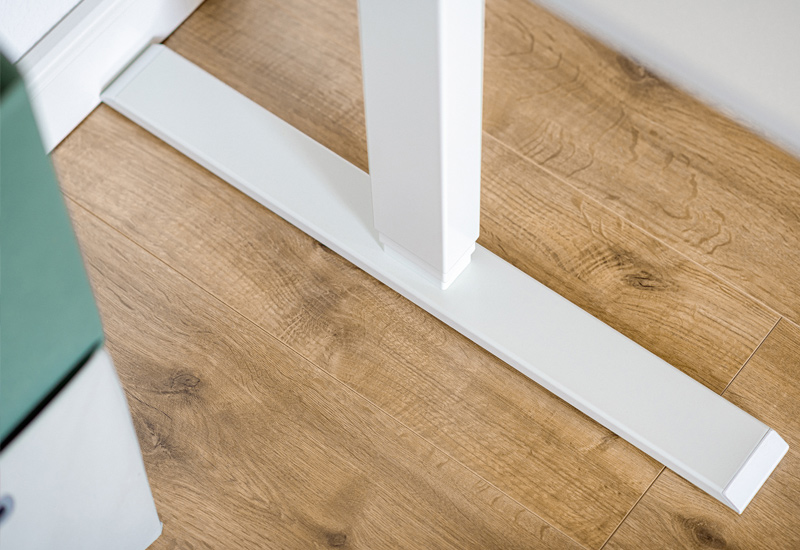
    Ein stabiler Schreibtisch ist wichtig für das Kinderzimmer

    Tip 3: Variety of colors – adjustable desk

    The appearance of a desk also plays an important role, especially in children’s rooms. boho office® always offers three colors for the table frame and many colors and surfaces for tabletops, including blue or green. This way, you can choose the desk to match the decor of the children’s room and create a harmonious environment.

    Tip 4: Adaptability of the table to any room

    The variety of colors and designs makes adjustable desks from boho office® a great choice for any children’s room. Whether you prefer a colorful and playful ambiance or a simple and modern decor, you will surely find the right desk.

    In summary, adjustable desks from boho office® provide a clever and practical solution for parents looking for a desk that can keep up with their growing children. With their ergonomic adaptability, stability, color selection, and scientific support, these desks are an investment in the health and well-being of your children. Explore the variety of products at boho office® and create an ideal workspace for your growing students.

    Your checklist for an electrically height-adjustable desk – for the children’s room or youth room

    Ergonomic adjustment:

    1. Is the desk height-adjustable to adapt to your child’s height?
      Does it provide enough room for future growth?
    2. Stability and durability:
      Is the desk constructed to be stable and robust to withstand the demands of an active child?
      Can it be used for many years without losing quality?
    3. Color selection:
      Are there different color options to match the desk to the decor of the children’s room?
      Which color option best matches the existing decor?
    4. Room layout:
      Does the desk fit well in the available space in the children’s room?
      Is there enough space for chairs and freedom of movement?
    5. Value for money:
      How does the price of the desk compare to similar models on the market?
      Is the investment in the quality and functionality of the desk worthwhile?
    6. Customer experiences:
      Are there reviews and testimonials from customers who have purchased the same desk for their home?
      What opinions and recommendations are available regarding the desk?
    7. Warranty and customer service:
      Does the manufacturer provide a warranty on the desk?
      How is the manufacturer’s customer service rated?
    8. Learning environment:
      Consider your child’s individual learning needs and preferences when choosing the desk.
      Create an inspiring learning environment that fosters your child’s engagement and creativity.
    9. Sustainability:
      If possible, inquire about the environmental friendliness of the materials and manufacturing processes of the desk.
      Choose products that are durable and generate less waste.

    Achten Sie auf Bildschirmzeiten bei Kindern und Jugendlichen

    Watch screen time for children and adolescents

    How long should a child spend in front of the screen? Recommended screen time depends on the child’s age.

    • For children under 2 years old, it is recommended not to have screen time.
    • Preschool-age children (3-5 years old) should not spend more than 1 hour per day in front of the screen.
    • For school-age children (6-17 years old), the recommended daily screen time is 1 to 2 hours.
    • It is important to take regular breaks to rest the eyes and move around.
    • Children should not spend more time on the computer than necessary for school or learning activities.
    • Individual tolerance and needs may vary for each child, so balanced screen usage is crucial.

  • Productive and organised in the home office

    Productive and organised in the home office

    Structure your day

    Stick to your usual working hours that you usually have at the the office. The less you change your usual habits and routines, the better you will be able to cope with the working day. Also make sure you take regular breaks. While they occur automatically in the office because you chat with your colleague while fetching coffee, such breaks are absent in the home office. So define specific break times when you get up from your desk, eat something and – most importantly – are not available. Also consider in advance what you actually want to eat. Your break is not enough time for shopping and cooking.

    Effective in the home office

    Prioritize your tasks

    It is also important to allocate the time in the home office correctly and to plan tasks carefully. The so-called Eisenhower principle is recommendable. First, important and urgent tasks are completed, then you take care of important but not urgent ones. Then come urgent but non-important tasks and finally the non-important and non-urgent tasks. You can keep an overview of this, for example, with a simple to-do list. If this doesn’t work for you, apps for your smartphone can be a great help. Check out the Google Play or Apple App Store. There are many free apps you can try out.

    Organisation in the home office

    Dress appropriately

    It sounds tempting: sleep until ten minutes before work starts, sit at your desk still in your pyjamas, take a shower after a cup of coffee and then continue in your jogging suit. If you can also get a professional email going or make an important phone call this way, there’s nothing to be said against it. However, what works for some people may not necessarily work for others. After all, you don’t really get going in your leisure wear. After all, the choice of clothing is subconsciously accompanied by an attitude towards work. Don’t worry, it doesn’t have to be the suit or the business suit with high heels. There are numerous variations that are nevertheless suitable for work: Jeans, shirt or polo shirt are just as suitable. Dress as you would open the door to your boss.

    Use useful tools

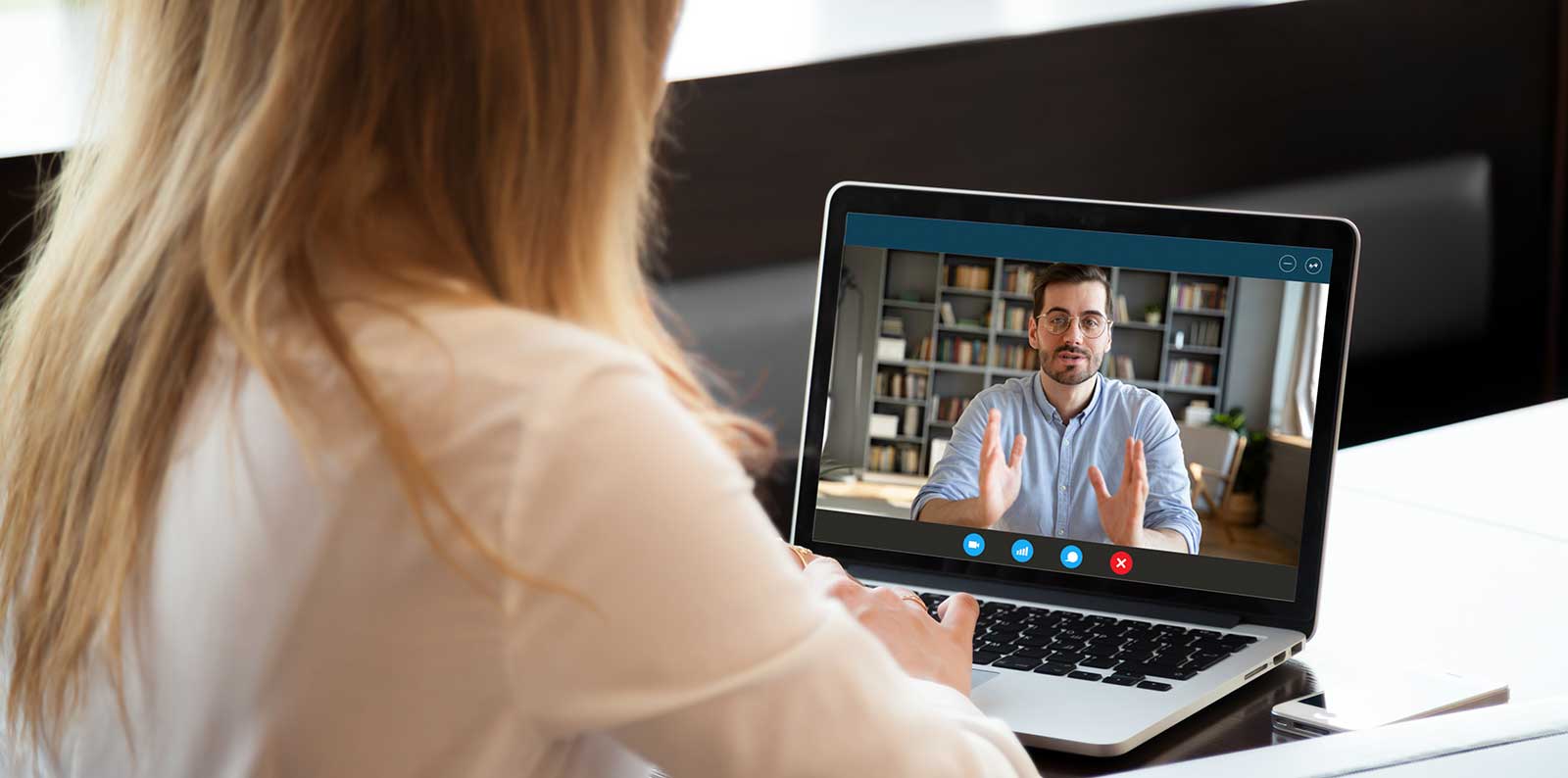
    Regular external communication is particularly important in the home office, whether with colleagues or with customers. In addition to coordinating tasks, „staying in touch“ above all strengthens team cohesion. Agree which communication tools you want to use for which occasions. Besides the classic email for longer issues, messengers for short agreements and imaging programs for web conferences and webinars are useful.

    Mother in the home office

    Ask for consideration

    If you live alone, there is probably little danger in this respect. However, if you have your home office in your family home, this can complicate your daily work routine – especially if children are also involved. In this case, the home office bears the risk that the physical separation between work and family will increasingly disappear. Clear rules are therefore needed. What are your working hours, when are you allowed to be disturbed? The door signal has proven its worth: if it is closed, you really only want to be disturbed in emergencies. If it is open, however, short interruptions are permitted.

  • Subsidizing sit-stand desks

    Subsidizing sit-stand desks

    „Every insured person is entitled to benefits to help in working life if this can avert or restore a reduction in earning capacity or incapacity to work“, as the Social Security Code puts it. This may sound complicated, but it is basically quite simple. Anyone who cannot work at a normal desk from a medical point of view can apply for a sitting/standing desk. This applies, for example, to people with diseases of the spinal column or to those who are in a wheelchair. How much is taken over and which institution pays for the costs, however, varies from case to case.

    Avoid back pain with a sit-stand desk

    Steps towards a grant

    In most cases, the first step towards subsidization is to see a doctor or orthopedist. He can issue a certificate for a sitting/standing desk if the sedentary activity is causing increasing problems or suddenly can no longer be performed. With the certificate, the responsible service provider must now be contacted. This can be the rehabilitation provider, if the aim is to prevent premature retirement or to enable permanent professional reintegration. Or the integration offices, which are, however, only subordinate to the rehabilitation agencies. And also only if a severe disability or equality already exists. In any case, you should inquire in advance whether a cost estimate is required. No claims can be made retrospectively.

    Healthy people pay themselves

    However, people who enjoy robust health have to pay for their sit-stand desk themselves in the majority of cases. Employees do have a right to an ergonomic workplace. However, this simply means that the table and chair must be adaptable to the individual size. This does not mean that they cannot seek a personal meeting with their boss and try to convince him or her to buy.

    Ergonomic workplace with PC

    Working materials are income-related expenses

    Self-employed and freelancers have an easier time in this case. Sit-stand desks are work equipment that can be deducted as an income-related expense in Appendix N on their tax return. Please note, however, that you can only claim the costs immediately if they are low-value assets with a maximum price of 800 euros (net). Otherwise, you must observe the legally prescribed period of use. This is 13 years for office furniture. This means that you can only write off 1/13 of your expenses per year.

  • Keep away from temporary solutions

    Keep away from temporary solutions

    One thing in advance: Whether your future work takes place in an external office or in your home office is entirely up to you. Both have advantages and disadvantages that need to be weighed up against each other. The external office is associated with costs, which in turn must be compensated. On the other hand, it makes a clear distinction between private life at home and work and can be a better environment if you also have to receive customers. The home office, on the other hand, saves travel, offers more flexibility in terms of work-life balance and can be adapted to your personal biorhythm. Thus, night owls are productive late in the evening, while early birds use the early morning hours.

    Sit-stand desk with woman at work

    Regardless of whether you are in an external office or at home – in principle, it is advisable to first think about which pieces of furniture are required and how much your own budget is. When making your choice, pay particular attention to the quality and functionality of the furniture. Buying cheap furniture that is worn out after only one year is too short-term. It is better to invest in a desk and a swivel chair that will be with you for a long time.

    Desk with a reasonable working surface

    The size of the future workspace provides the framework. If you have a whole room at your disposal, you have more design options than someone who has to to work in a small niche in the hallway or a free corner in the living room. The desk is the central piece of furniture. It must fit in with your activity and offer sufficient space. But that does not mean that you need a technical monster. If you only work on your laptop, a mini desk or even a bureau may be enough. The latter has the additional advantage that it can be easily folded up after work is done and the work behind it is quickly forgotten. In the long term, however, you will have more from a height-adjustable desk. It allows you to change your working posture from sitting to standing and back again without any complications. This investment is worthwhile, as it increases performance, concentration and motivation and at the same time prevents back problems.

    Untidy workplace

    Storage space for documents

    Not only those who furnish their workplace in the bedroom or living room should attach particular importance to order. All freelancers and self-employed people save time if they do not have to constantly search for important notes or documents. A shelf next to the desk provides space for file folders, technical literature and printers. Another option are mobile pedestals, which score points for their mobility as well as their storage space. If you need to have individual documents always ready to hand, you can fall back on hanging files. Work materials that are not needed so often can be stored in drawers or storage boxes instead.

    Tidy workplace with electric height-adjustable desk

    Green lifts the spirits

    Finally, a personal tip: maybe buy an office plant with the last few euros from your budget. Houseplants make the office feel cosy and clean the air. They also have a positive effect on productivity in the workplace. Therefore: Let Monstera, Pilea and their relatives look over your shoulder while you work. It’s worth it!

  • Stay well connected in your home office with free tools

    Stay well connected in your home office with free tools

    The choice of communication tools is huge. Whether messengers, services for video conferencing or the good old email – every communication channel has its own strengths that make it suitable for certain tasks. At the end of the day, it doesn’t matter whether the entire team exchanges information via a joint WhatsApp group or holds a morning jour fixe by phone. Only two things are important: that a) it is defined which tool is used for which purpose. Having to keep an eye on too many messengers will bring confusion into your daily work. And b) that every team member can use it – which includes both the technical component and the educational one. In addition, everyone needs a headset, a webcam and a good Internet connection.

    Communication tool: Slack

    Some functions are found with almost all providers: live chats and the possibility to call individual team members via the application (including video transmission). There is also often the possibility to set up individual channels for different topics, departments or projects. Therefore, in the following ideas I would like to focus only on the essential unique selling points. Whichever tool it becomes: make sure it is DSGVO-compatible if necessary.

    Slack with a great search function

    With Slack it is possible to send private messages to individual team members. Group calls are not available in the free version. In the free version „only“ the latest 10,000 messages can be displayed and searched. In this way, documents can be retrieved, for example. However, communication beyond this limit is still possible without problems.

    Communication tools: Microsoft Teams

    Teams score points for compatibility.

    Microsoft Teams is part of the Office365 suite and therefore particularly interesting for those who already work with other Office components. Teams can integrate other programs, such as the OneNote notebook. In this way, teams become an individual and efficient workplace. Audio recordings are supported. Nice for the home office: the background can be blurred or replaced by one of the provided images or your own photo. Thus the untidy study remains hidden.

    Discord and TS to relax 

    Discord and Teamspeak (TS) were actually developed for gamers. The emphasis is therefore not on the exchange of data, but on large groups being able to talk to each other. In both applications you can log in and stay in different channels. If something happens there, you will be aware of it. In Discord, screen sharing and video chats are also possible, but there is an 8 MB limit for uploading files. Discord is free of charge. Teamspeak is also free, but there are costs for the server.

    GoToMeeting as virtual meeting room 

    GoToMeeting is not meant to be a place to stay too long. It is a virtual meeting room for online meetings, desktop sharing and video conferencing, which can be joined via a link. Audio recordings are also possible. As a GoToMeeting moderator, you can share your screen and pass on the moderator role as required.

    Working in the home office

    Skype with your own phone number

    Skype allows you to set up using your own telephone number. This means that you can be reached at local rates even when you’re on the move for those at home who want to call you from their mobile or landline. If you use Skype to call mobile or landline phones yourself, you will be charged. Other usage is free. Skype supports screen sharing. Skype for Business enables audio recording.

  • More motivation and discipline with the right outfit

    More motivation and discipline with the right outfit

    Nothing is as tempting as making yourself comfortable at home while working. Wearing a baggy skirt, sitting in bed with your laptop and having breakfast or doing laundry on the side. Basically, there is nothing to be said against it. However, few people are likely to be spurred on to top performance, especially if you have only been working from home for a short time. In addition, a rotten appearance makes a bad impression when a video conference is spontaneously called or the doorbell rings. Finally, the business look also promotes self-confidence. Dressed properly, you can make important decisions more easily and confidently.

    Even the office outfit has many facets

    But what to wear? There is no uniform dress code for working in the home office. Doing without sweatpants does not mean sitting at the height-adjustable desk in a black suit or a chic costume. What is meant by a suitable outfit depends strongly on your industry, your level of hierarchy and the weather. Steve Jobs established the black turtleneck jumper, which since then has become just as firmly established in the IT industry as in the creative environment.

    In a start-up company, hoodies, jeans and trainers are commonplace, whereas in a bank, insurance company or the legal department of a large corporation, you would stand out among all the suits. There, the employees should convey values such as trust and safety. Women are dressed comfortably, but still sophisticatedly, with fabric trousers and blouse, men with fabric trousers and shirt. Those who want a bit more casual can combine dark blue jeans with a blouse or a chic shirt. 

    The Germans say “Nicht oben hui, unten pfui“ which basically means “not just because the top looks good do you have to ignore the bottom”

     It’s not a good idea to dress well only above the desktop, and simply leave out the skirt or trousers. If you have to take a folder off the shelf during the video call, your credibility is lost. Or imagine your boss, an important customer or an influential business associate makes a surprise visit. If you have chosen your outfit in such a way that you don’t have to sink into the ground with shame, then you have done everything right. Therefore, do not work in socks, but wear comfortable shoes.

    Outfit and appearance must match

    When considering the question of clothing, remember that the colours of video cameras from mobile phones or computers are hardly ever true to the original, but always appear in a toned-down form. Women should therefore apply the discreet day make-up in strong colours. Remember also that your background should underline your appearance during the video conference. If you currently have to work in the bedroom, you should soften the wardrobe in the background or replace it with a prepared image or your own photo. Remember to remind yourself regularly that you are being looked at and don’t let yourself be caught eating, scratching or picking your nose. During a video conference, your gaze is concentrated on the screen, which means that even small details are perceived more attentively than when you are facing each other.